
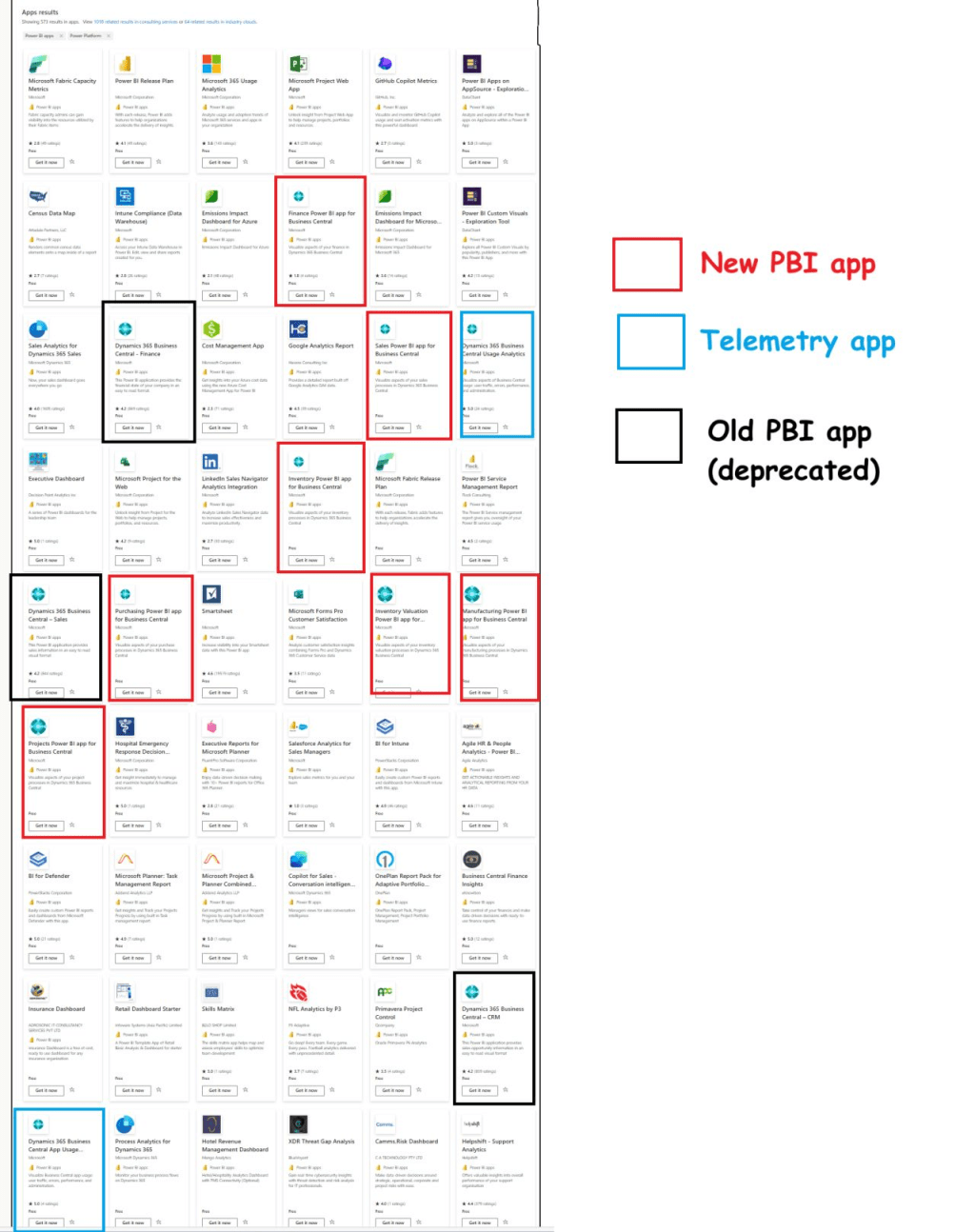
With every software update, users can expect to find bugs within the first wave of a release. Business Central is no exception to that rule.
In regard to reporting this can be catastrophic. In this short blog post I will be regularly updating issues related to Business Central Version 25.0 (& Beyond) and Power BI. Each will be timestamped (if applicable) and provide a solution (or correspondence with Microsoft if no solution is found).
Starting off, make sure you are following the prerequisites for these apps:
- Version 25.0 of Business Central or Higher
- Power BI Pro License
- Follow Additional Setup for Finance App
- Use the Proper App Version from AppSource (See Below)
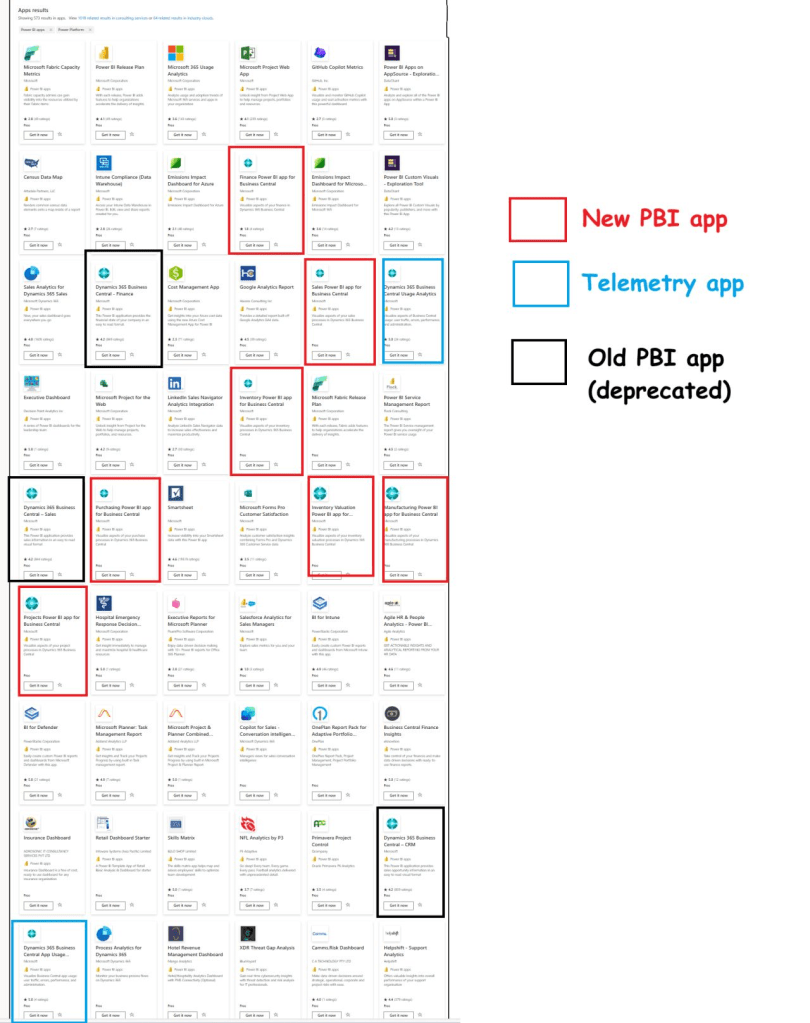
Source: (3) Kennie Nybo Pontoppidan | LinkedIn
5/20/2025
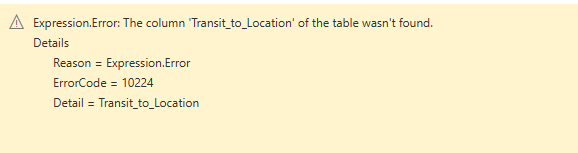
“The Column ‘Transit_to_Location’ of the table wasn’t found.
This error cropped up upon upgrading to version 26.0. If this column does not pertain to the report, I removed it from the data models M code (use the ribbon on the errored step in Power Query) or use the Advanced Editor.
5/22/2025
“The environment: ” ” does not exist. Tenant: ” “
This error was very strange because the end user was on Business Central Version 26.0 and had Super Permissions. Solution Pending 5/28/2025

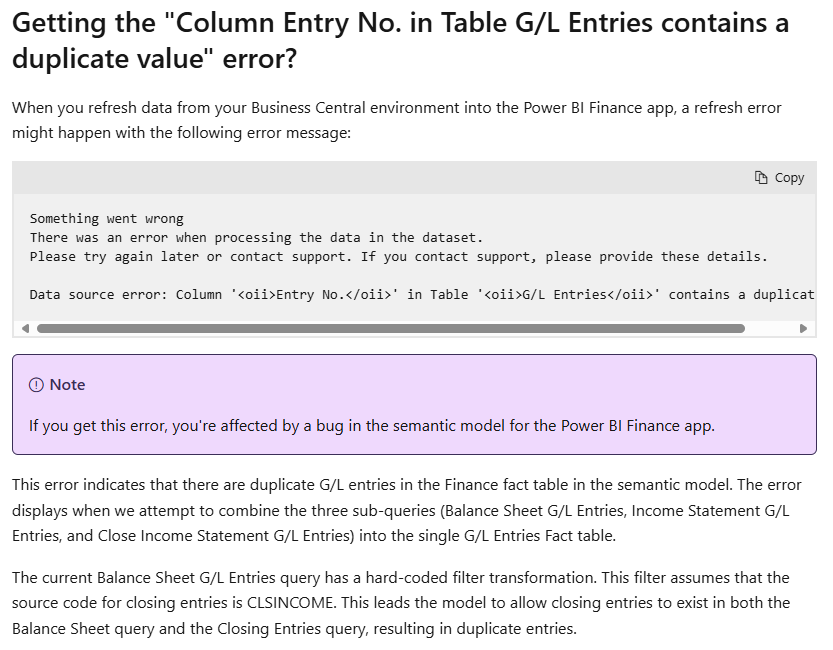
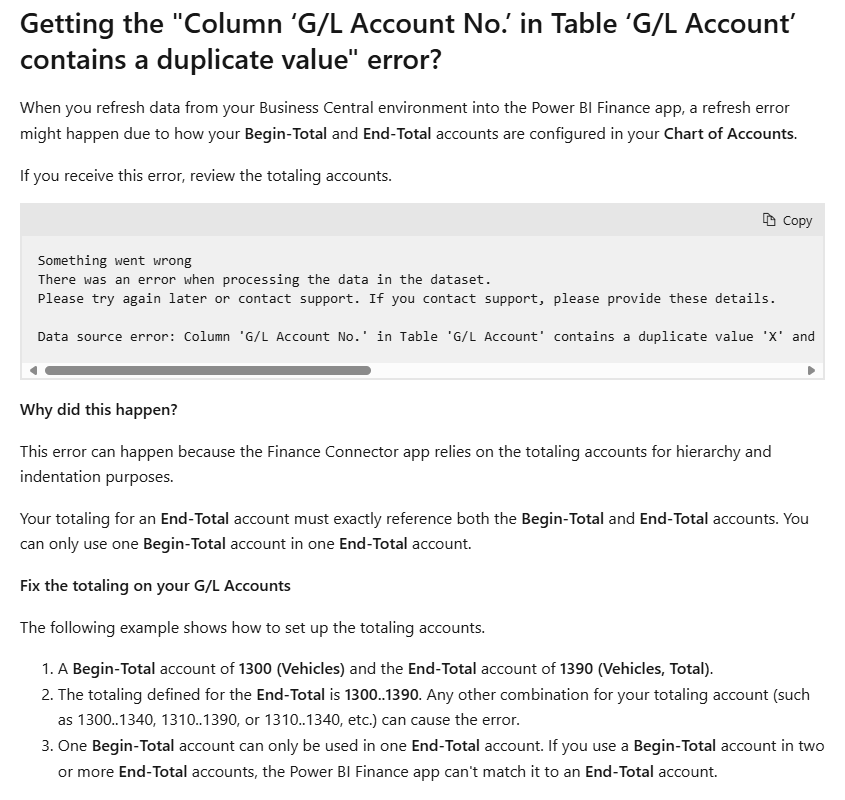
Errors Provided from Microsoft Documentation:
6/10/2025
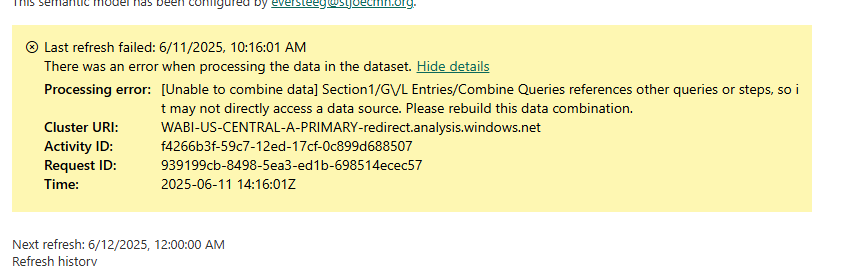
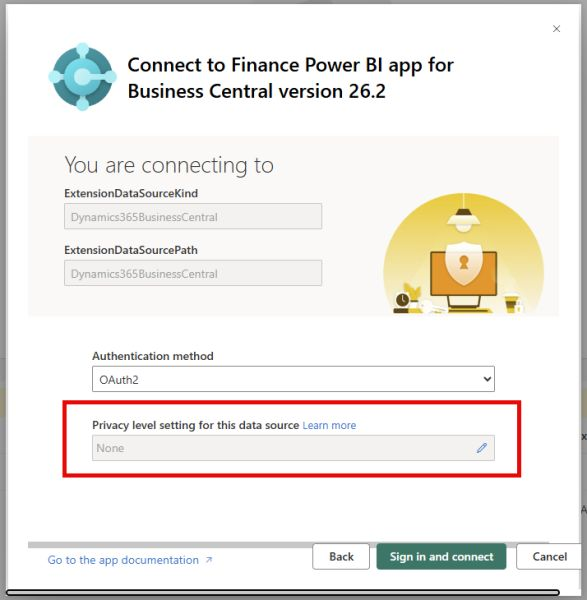
Power BI Finance App Error (Version 26.2)
If you are getting the following error when updating/installing the Power BI Finance App (Business Central) please authenticate and change the privacy type to Organizational.
 Not a Pickle
Leave a comment